


Why do I have to wait every time I open the app?
It's one of the most common complaints received by customer service, especially from those with slow connections like Binance, which is notoriously slow at providing API responses, or a wallet with many transactions.
The problem wasn't a bug: it was that every login triggered a complete automatic update, before the user even decided whether they needed it.
Update everything, always
For years, Finbooks has automatically updated data every time the app is opened, prioritizing data freshness over access speed.
But not all users open the app to generate a report or calculate a tax strategy: many just want to check their portfolio, and for that, yesterday's data is fine.
The wait time upon opening had become a product perception issue, regardless of the actual quality of the underlying data.
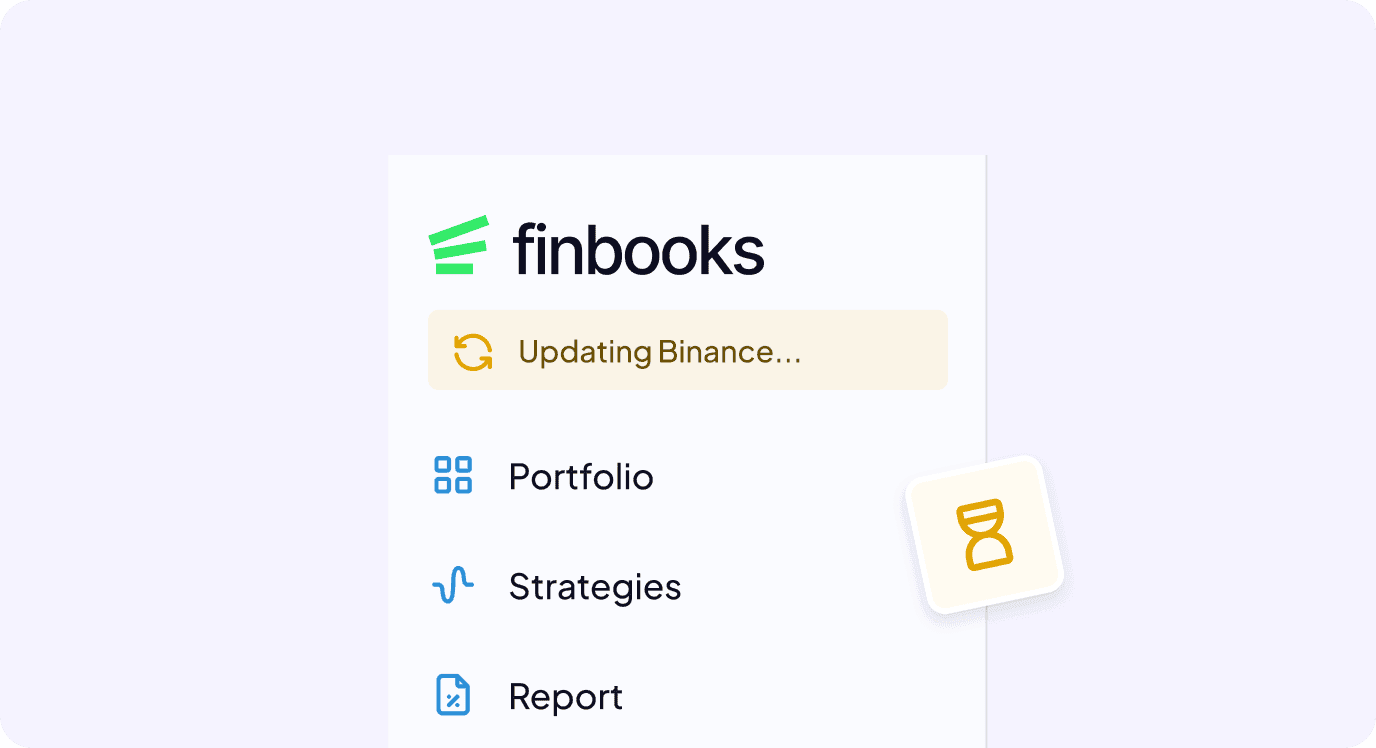
We identified this thanks to hundreds of customer care reports, but also thanks to in-depth research involving approximately 150 customers over the last couple of years, where this aspect was often discussed during 1:1 calls.
Giving the choice, without leaving them alone
The solution was simpler than we actually imagined: letting the user choose between automatic or manual updates.
However, although this option worked and met our customers' needs, it concealed a risk: a user in manual mode could generate a tax report on data that was weeks old without realizing it.
For this reason, in parallel with this new management method, we added a silent control system that tracks the least up-to-date connection and, after a threshold of two weeks (or in any case before the end of the previous fiscal year), flags the data as out of date wherever necessary.
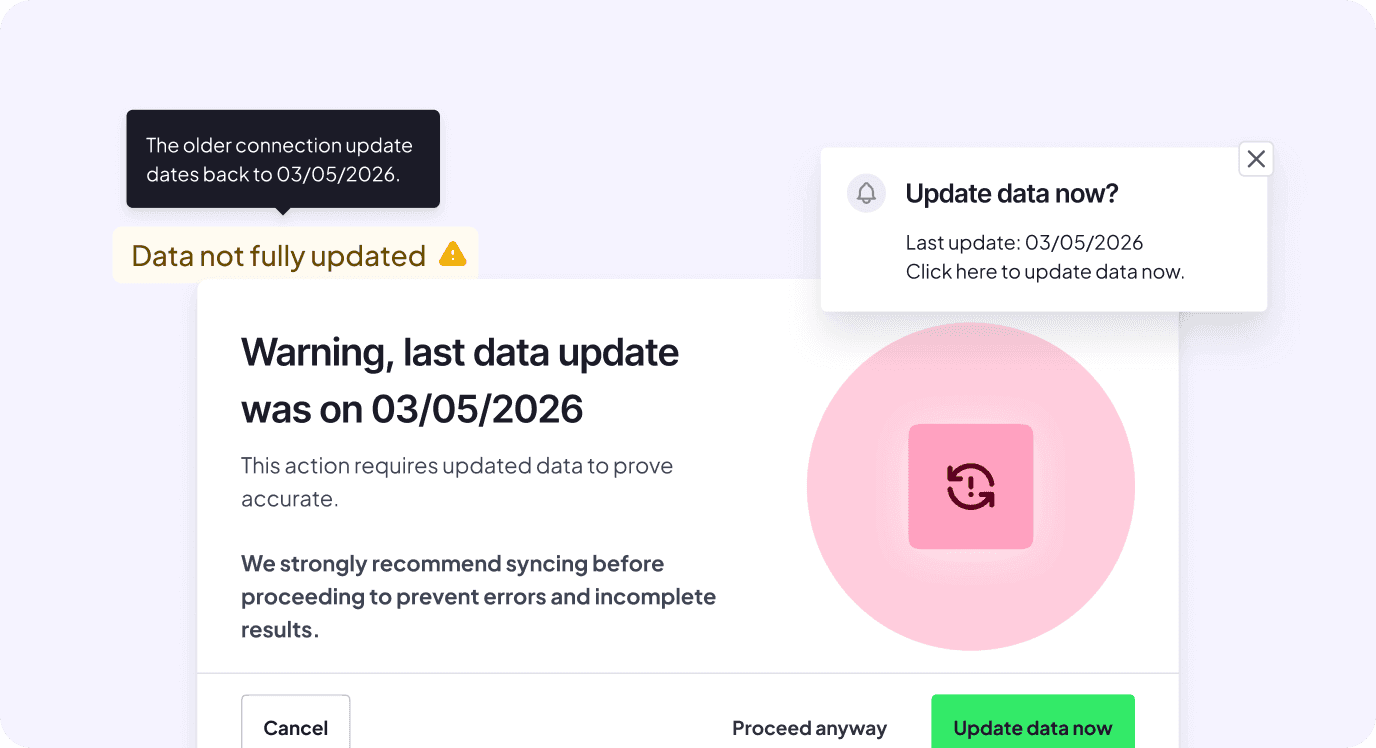
Those who prefer to be notified can activate a reminder at login, once a day, that simply asks "Do you want to update now?" without forcing anything. And those whose connection has been down for too long will find a dedicated list from which they can update it or, if they prefer, permanently block it.
What's available now
Starting in August 2026, you can choose the data update mode in the settings: automatic, as before, or manual with an optional reminder upon login.
A badge next to your wallet total always tells you if your data is up to date, and a dedicated list helps you address only the connections that really need it.
If you're among those who wrote to us to tell us that the app was slow to open, this is the answer.
Thanks to the hundreds of customers who told us how much that wait impacted their daily experience: this allowed us to identify a need, develop a solution, and propose it to improve the user experience of the service.