


Among the reports we receive most often from customer care and from research, one category has been recurring for years: problems during CSV import when the standard Finbooks format is required.
Why the Finbooks format exists
The main problem, unfortunately, lies with the data providers: the connections.
Exchanges, brokers and wallets constantly change the format of their CSV files, often without notice, and often on heavily used connections.
Every change to the source format can break the data mapping in our acquisition system, which has to know the file format of each connection perfectly and hold separate instructions for each one on how to import it.
Maintaining this infrastructure for thousands of connections is an unsustainable cost for the company, which is why our team focuses primarily on the most-used connections to guarantee an excellent and always up-to-date mapping.
For all the other connections, however, and in order to let everyone use even the lesser-known and/or less stable sources for data export, there has always been the Finbooks CSV format: a standard file that our system recognises in every situation.
While it was a valid solution, not everyone was keen on converting their file into the format we provided. Entirely understandable.
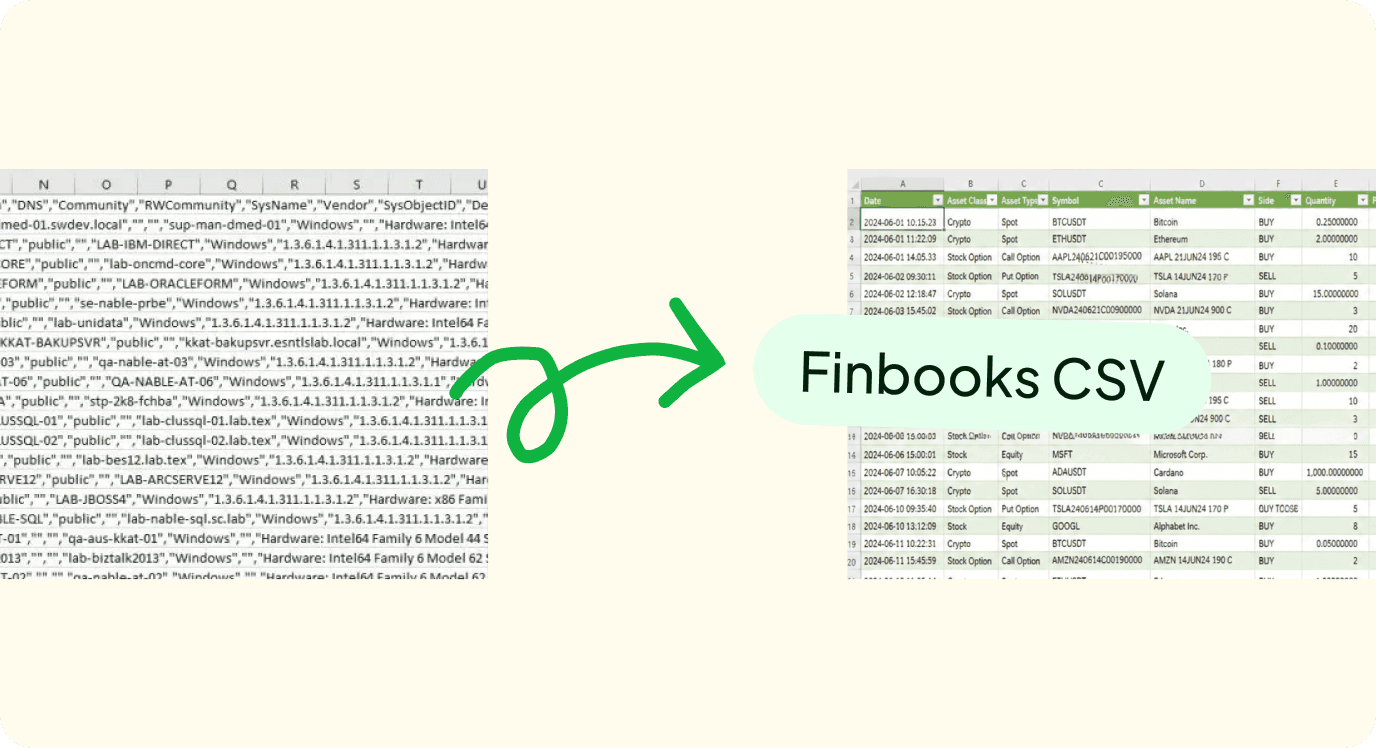
A manual conversion service
For a long time the solution was to offer all our clients an additional service for a capped fee (covering only part of our internal costs for doing the conversion work on the client's behalf).
In short: the file is sent to us with a few details, we convert it into the Finbooks format and upload it to the client's account.
Even though it was a solution for the end client, it wasn't a widely used service.
People still chose to sort out the files themselves, often with repeated rework caused by formatting errors that were hard to spot.
We had to find an alternative solution.
A powerful engine: Finbooks Intelligence
In this case we didn't run any surveys, but we asked ourselves: how can we solve this problem by applying our new intelligent engine, the one that also powers other features of the system?
The problem was already documented well enough by research and customer care: we knew the cases, we knew where the errors concentrated, we had data on what percentage of imports failed and for what type of reason.
We built a tool that uses Finbooks Intelligence to read clients' CSV files, identify the errors, work out the possible corrections and act intelligently to fix everything it can and render it in the Finbooks format.
The CSV fixer works like this: it analyses the file, checks for errors, and in cases where the solution is clear it applies it directly (with prior confirmation). When the correction isn't 100% certain, because there are several possible interpretations or because the context is ambiguous, the system lets the client decide.
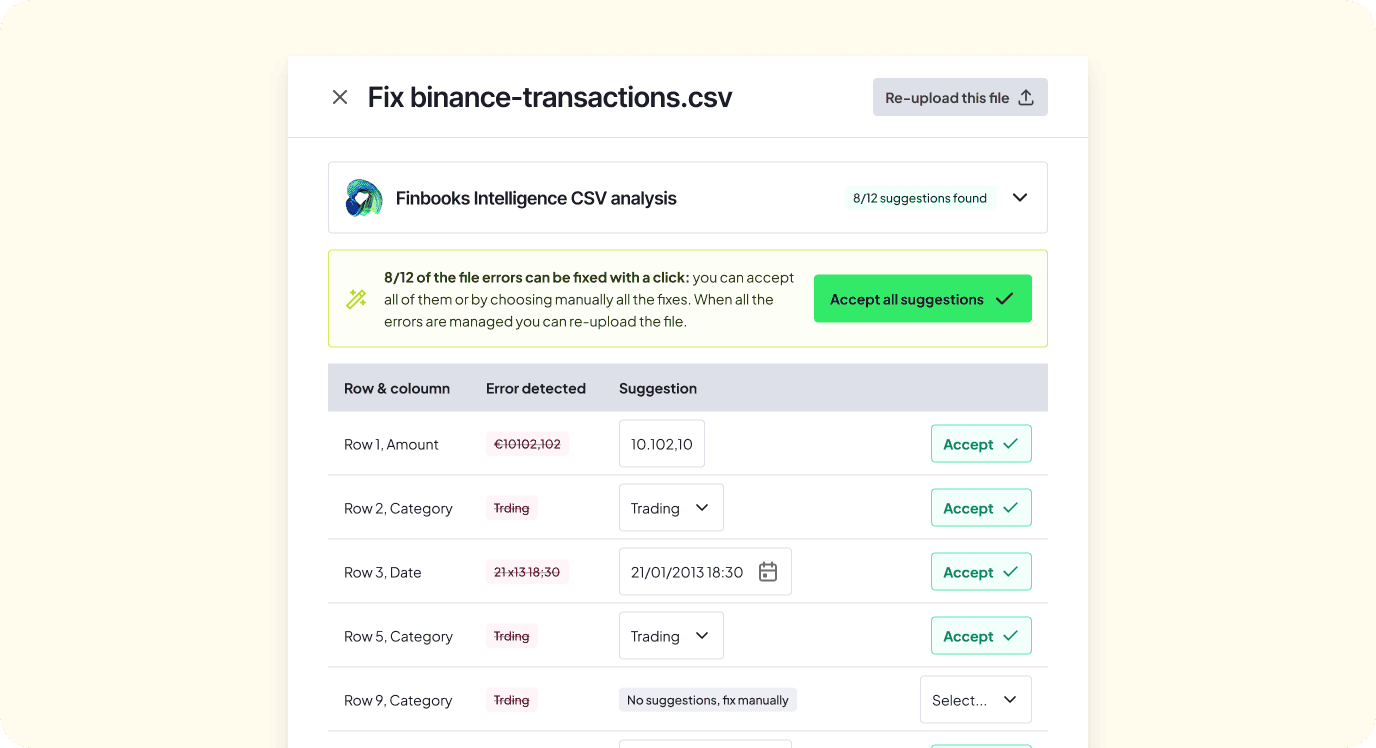
We tested the agent internally on hundreds of files built specifically with errors of various kinds, such as wrong formats, missing data, renamed columns, out-of-range values. The result: the CSV fixer manages to cover around 90% of error cases on its own.
There is one case where the agent stops: when the file has more rows in error than valid rows. In that situation, automatic correction is not reliable, and we say so clearly. The system flags the problem and generates a downloadable file with the list of errors, so the client can step in manually, knowing exactly where to look.
What exists now
Since July 2026, the CSV fixer with Finbooks Intelligence is available to all clients on crypto connections, in the Finbooks CSV format.
You'll find it right inside the import flow when you upload a CSV file. If the file has problems, the agent detects them, shows you what it found and, in most cases, suggests the solutions you can apply with a single click.