


For years we have listened to clients through exploratory interviews, research sessions and direct conversations with customer care. It's one of the few reliable ways to understand not just what isn't working, but what worries people, even when the product technically does its job.
The starting point
Over time we collected hundreds of accounts revolving around the same theme.
Clients who had filed their declaration thanks to Finbooks' calculations and reports and who, because of some activity carried out on their account (a new file import, a transaction correction, an update), saw the numbers from past years change, with the tax reports changing as a result.
It wasn't necessarily an error, since the platform was working correctly. But it was perceived as a problem: the declaration had already been filed on those numbers, and now the platform was showing different ones.
The consistency between what clients had declared and what the system displayed was no longer guaranteed. We absolutely had to step in and quickly propose a solution.
More than 200 clients involved
To better understand the scope of the problem, we ran a survey across four markets, Italy, Spain, Portugal and the United Kingdom, and then ran a series of direct interviews with clients to go deeper.
What clients were asking for on the surface was to "lock past data", but what they were really asking for was something deeper and more precise: the certainty that a tax year already closed and declared would stay stable, and that no future action, deliberate or accidental, could alter it silently.
A system that protects against any external action or agent, to safeguard the accounting data that is now technically archived. The nuances were many. But the underlying need was simple: to be able to close a year and know that it was truly closed.
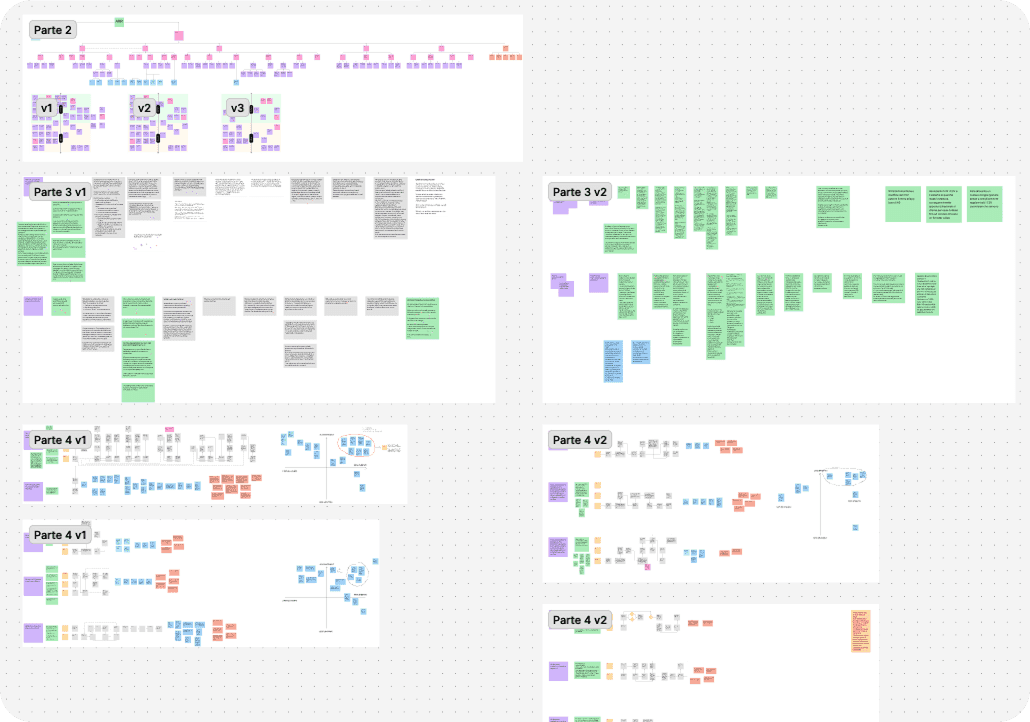
Designing, validating, testing
One of the trickiest points to handle was working out which years could be frozen, under what conditions, and what had to happen if a user had significant errors in a period they wanted to lock.
We established that the freeze could only be applied to tax years that were already completed, and only when there were no significant or blocking errors for the calculations.
Before developing the feature, we validated the concept with a small group of clients, through usability tests on prototypes built for the occasion.
What we learned from that exchange changed some of the finer details in particular regarding the handling of unlocking, which we had initially imagined as more rigid. Clients showed us that they needed to be able to go back (to file a voluntary correction, to update a document, to add data that had arrived late).
The freeze had to be an intelligent protection, not a cage with no way out.
That's why the system allows years to be frozen selectively, but also unfrozen at any time (from a specific year onwards) so clients can work freely on their own data, aware that such actions can have an impact on past calculations and data, with their consequences.
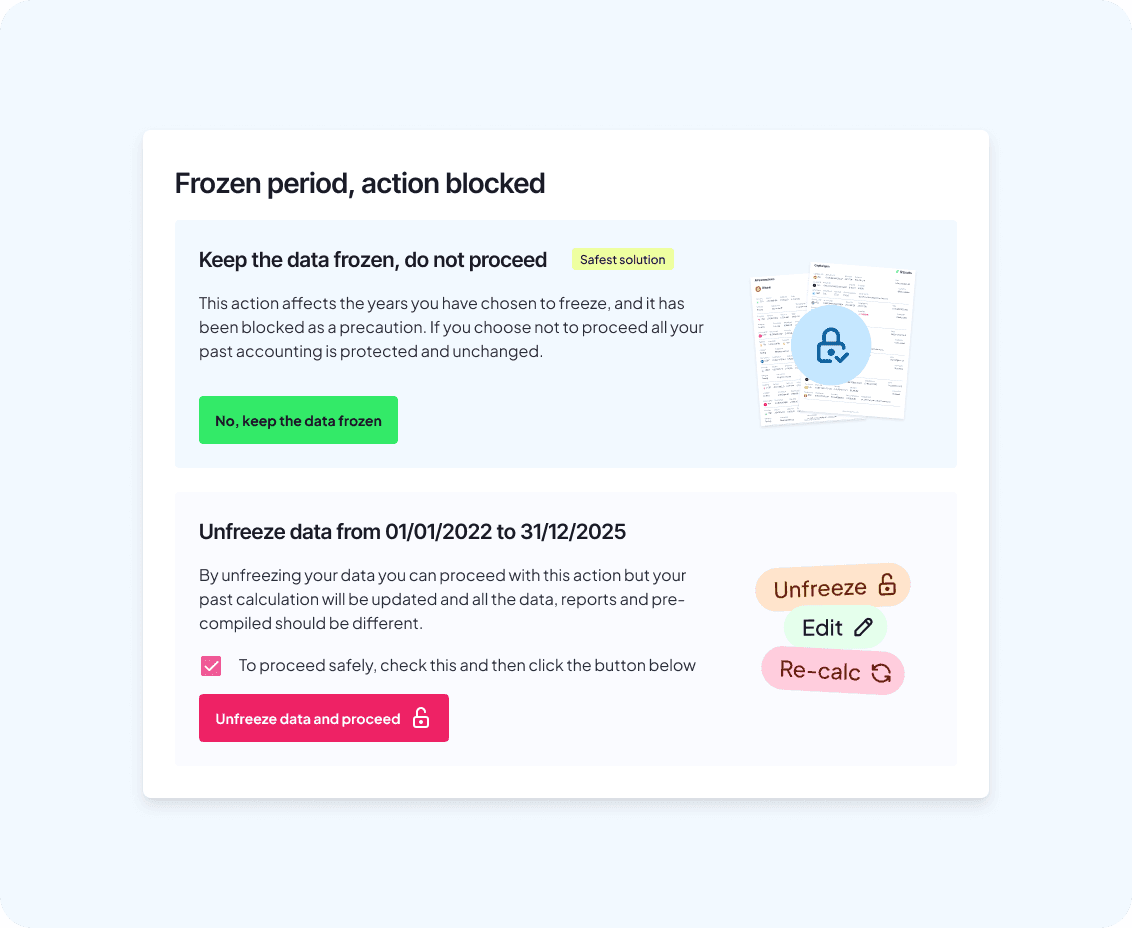
The protection works in the other direction too: once a period is frozen, the system prevents unintended retroactive changes.
Importing a CSV with a few transactions dated in a locked year, accidentally changing a date, modifying a category or a setting that affects past calculations: these actions are blocked beforehand, with a clear explanation of the reason, offering the option, where needed, to unfreeze a period and step in freely.
What exists now
Since June 2026, the data freezing feature is available to all clients, across all supported countries.
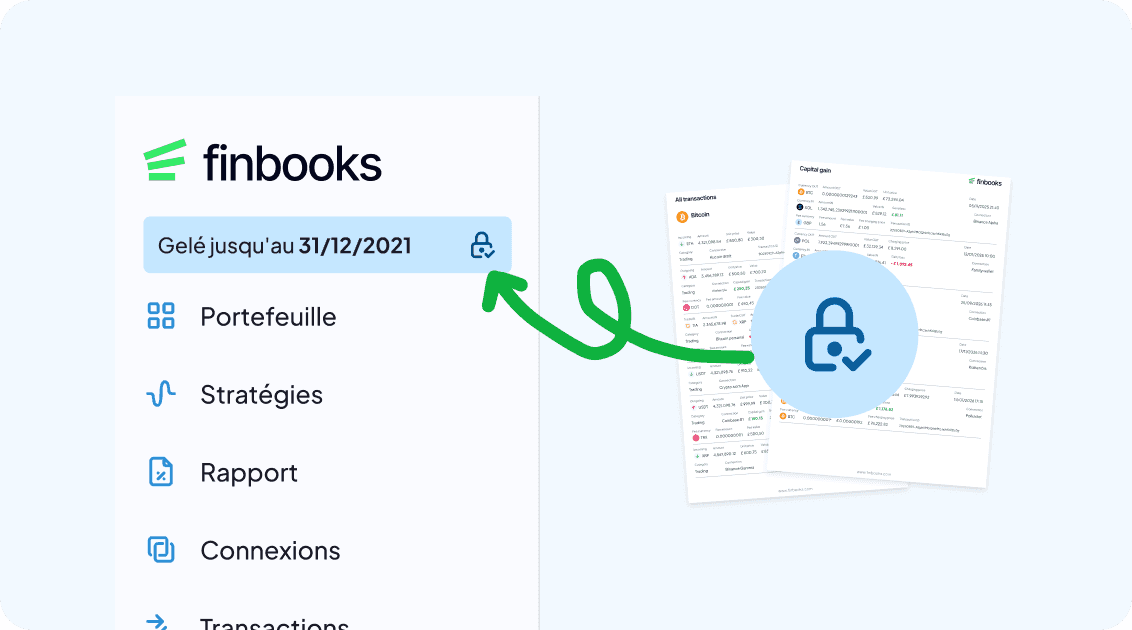
You'll find it in the top side menu (only if you have loaded at least one connection). From there you can see the past tax years available for freezing, apply the freeze to those without significant errors, and unlock at any time if you need to work on your data.
If you're one of the people who told us about this problem, in an interview, in a chat with support, in a survey, this is the answer.
Thank you to all of our more than 250 clients involved through surveys, interviews and tests, who made it possible to identify, build and launch this important new feature.