The result you see in Trading 212 is not what you need to report
Most investors think that the performance they see in Trading 212 is enough to file their tax return correctly.
In reality, that's not the case.
Invest, ISA and CFD accounts do not share the same tax rules. On top of that, the figures shown in the app are not a UK tax calculation.
Relying on the app result alone can easily lead to errors in your tax return.
.png&w=3840&q=75)
Everything you need for your Trading 212 tax return
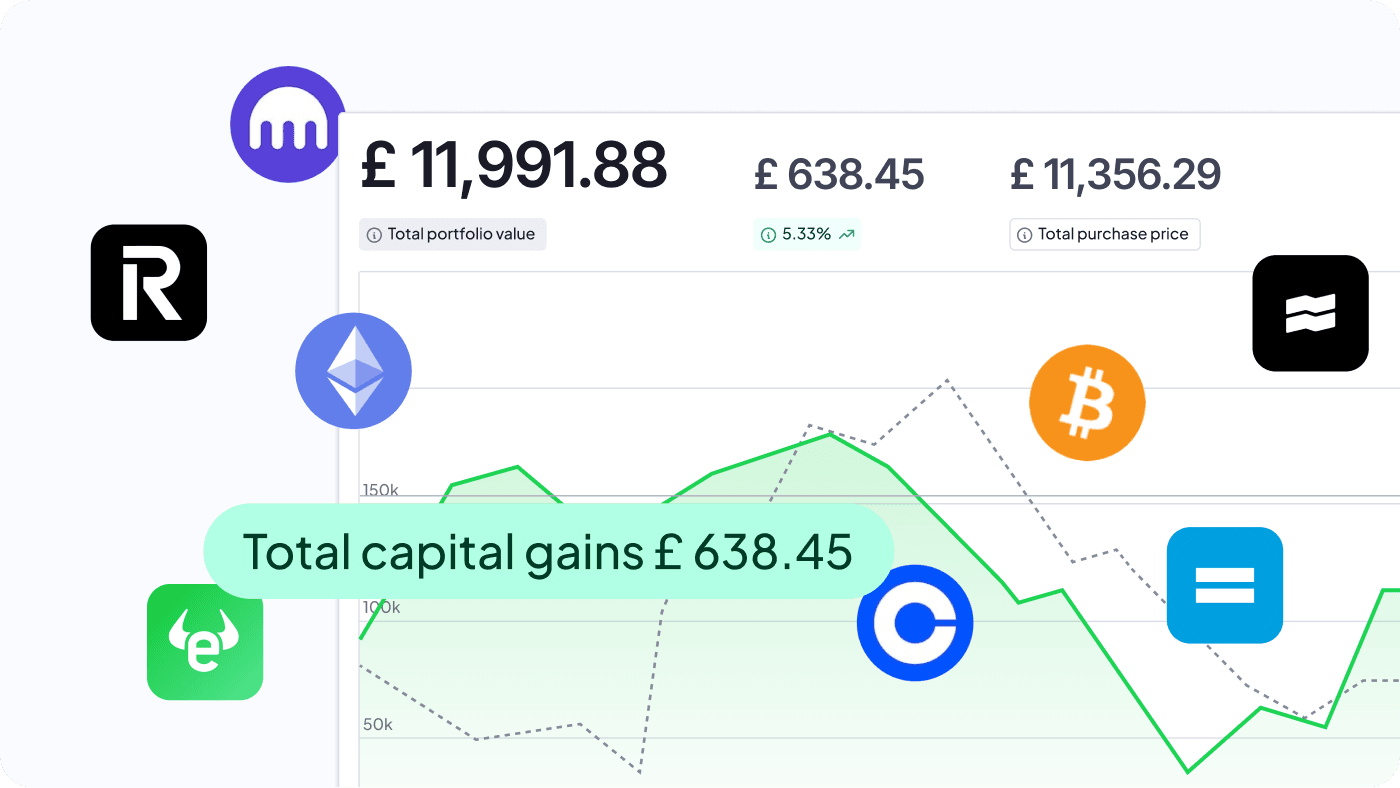
Finbooks automatically imports your Trading 212 history, reconstructs your activity and calculates capital gains, losses and investment income in line with HMRC rules.
Every report comes with detailed supporting documentation, so you can clearly see how each gain, loss and income stream has been calculated and keep a complete record of your Trading 212 tax position.
From Trading 212 to your Self Assessment
Open the app, select your Invest account and export the CSV file with orders, transactions and dividends. If you also used a CFD account, make sure to repeat the export, selecting all available CFD activity categories before uploading the CSV files to Finbooks.
Import your Trading212 account into Finbooks. The software reconstructs your transactions, distinguishing between different types of financial instruments and calculating capital gains, capital losses and dividends.
Finally, Finbooks generates a complete set of tax-ready reports for your Self Assessment, together with detailed supporting documentation explaining every calculation. Use them yourself or share them with your accountant.