
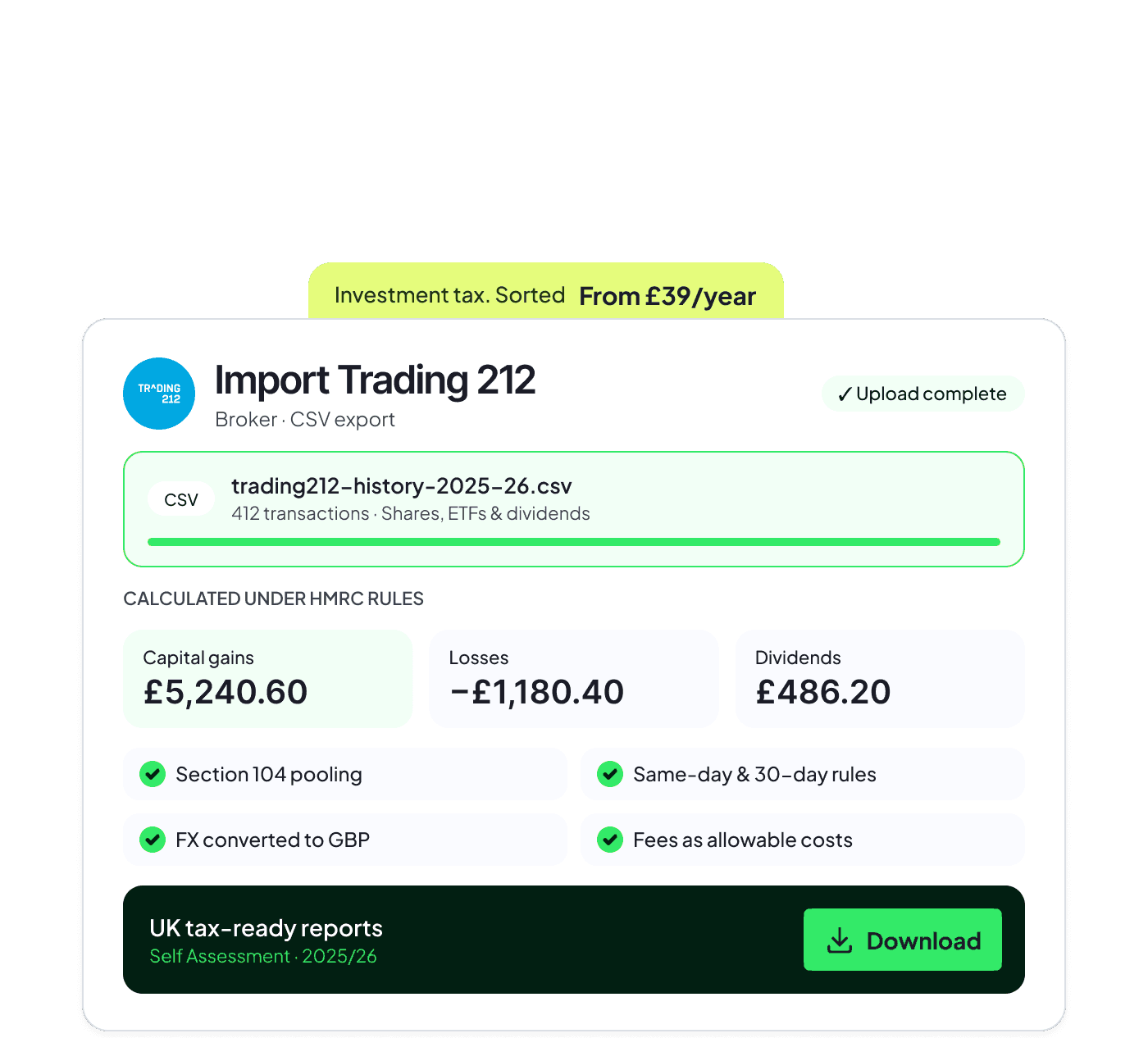
- Combine dividend income
- Get accurate tax calculations
- Generate tax-ready reports
The result shown in your broker statement is not enough
Dividend income can be spread across brokers, investment accounts and fund distributions. By the time Self Assessment comes around, the figures are often buried in separate statements and transaction histories.
The total you need may depend on the tax year, the source of the income and the rest of your taxable income. Copying isolated figures into a spreadsheet makes it easy to lose the link back to the underlying records.
Finbooks brings the investment activity together so you can review dividend income in one place and keep the supporting detail connected to the figures you use.

Turn scattered dividend records into figures you can use for Self Assessment
Import your brokers' activity into Finbooks. The software separates dividend income from disposals and organises the relevant records for the tax year.
You get clear dividend tax figures and tax-ready reports for your Self Assessment or to share with your tax adviser.

Consolidate dividend income across accounts
Keep income separate from capital gains
Trace reported figures back to the source records

Keep every dividend figure connected to its source
A consolidated total is more useful when you can still see where the income came from and how it was classified.
Multiple brokers
Bring dividend records from supported investment accounts into the same tax-year view.
Different income types
Keep dividends and other investment income organised without mixing them with share disposals.
Supporting records
Retain the detail you may need when completing your return or sharing the work with an adviser.
From broker activity to tax-ready dividend figures
A three-step route from imported investment activity to reports you can use in your filing process.
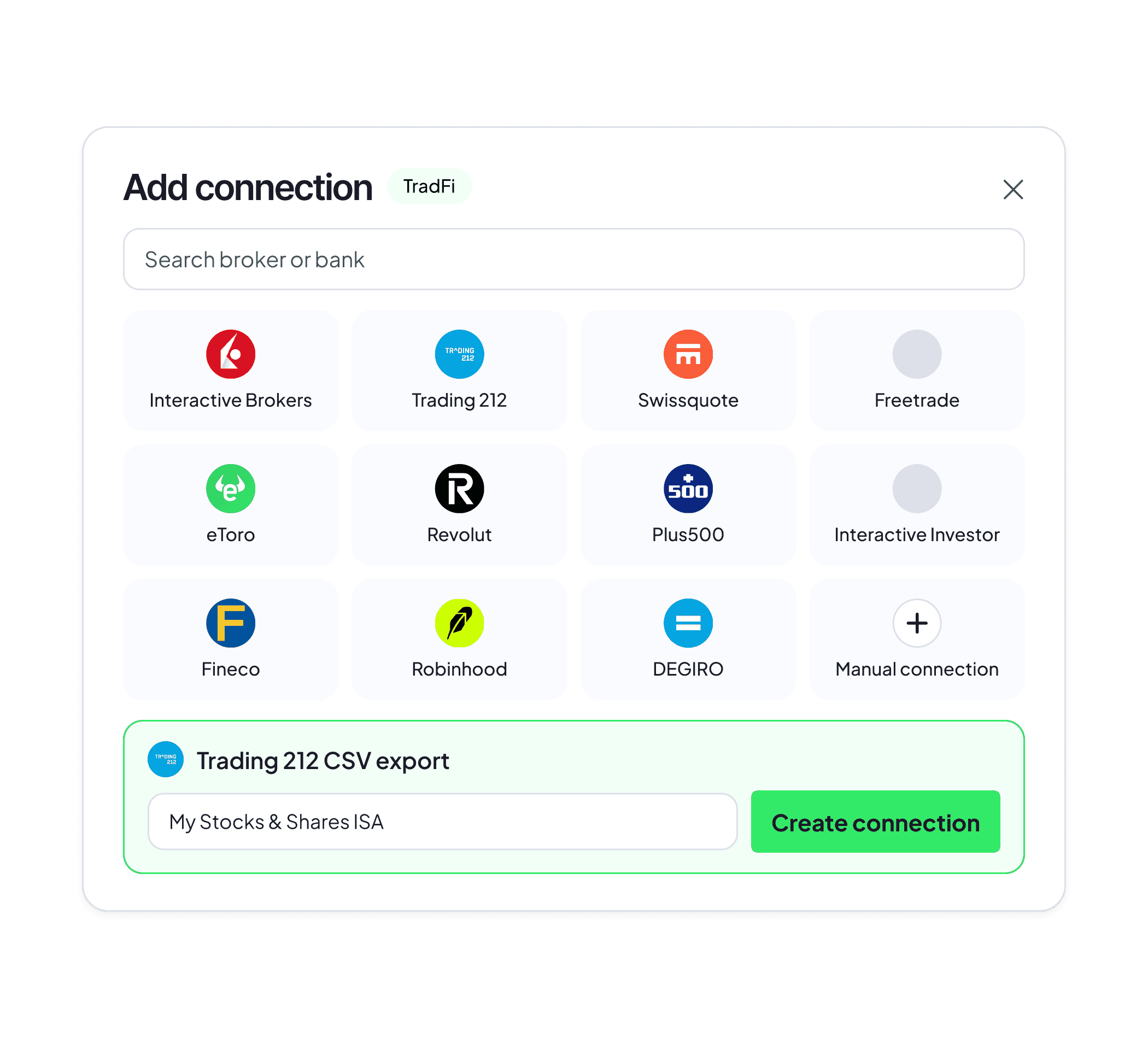
Connect supported platforms or upload transaction files to bring the available history into Finbooks.
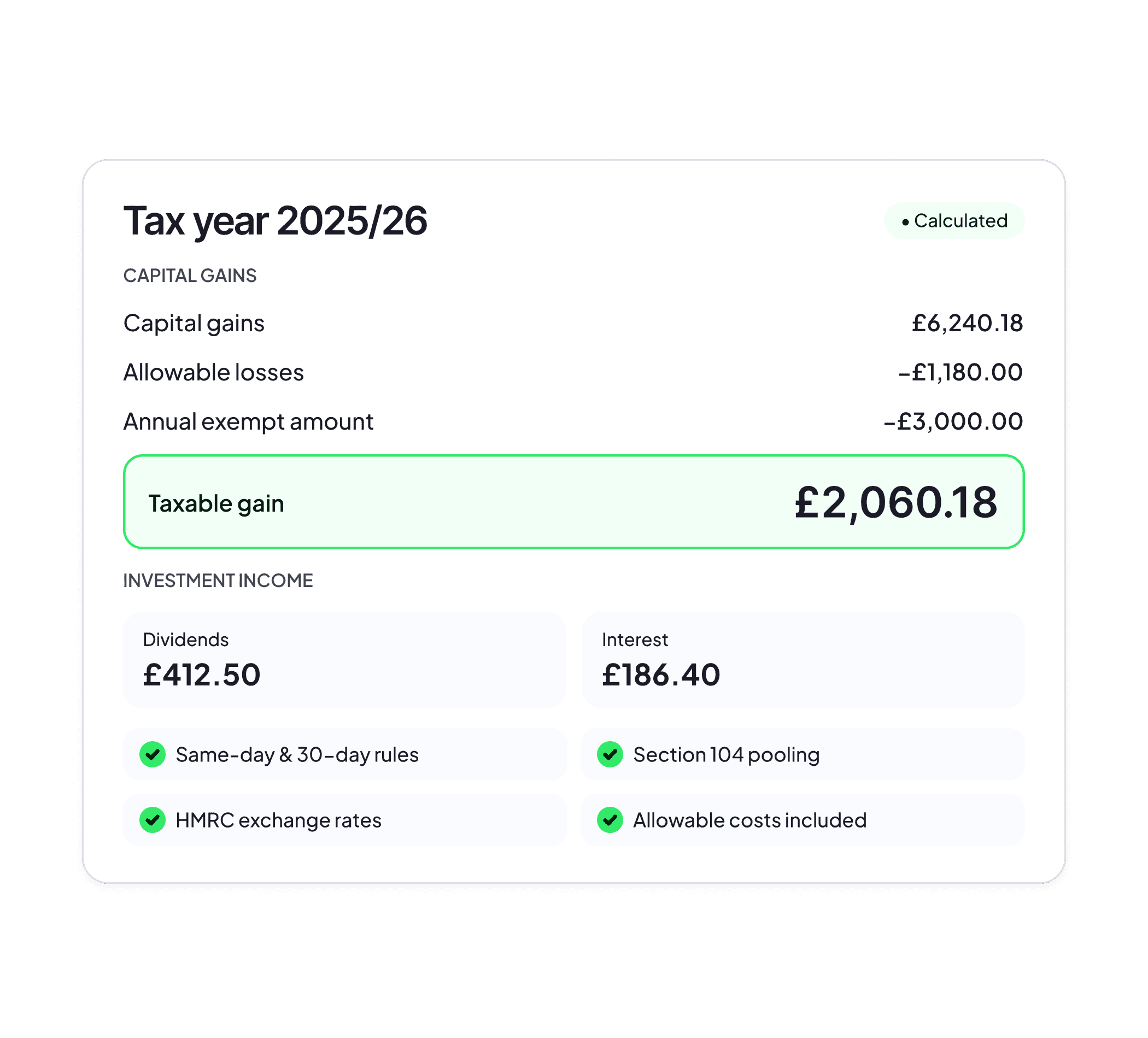
Finbooks checks the imported activity and organises dividend and other investment income for the current tax year.
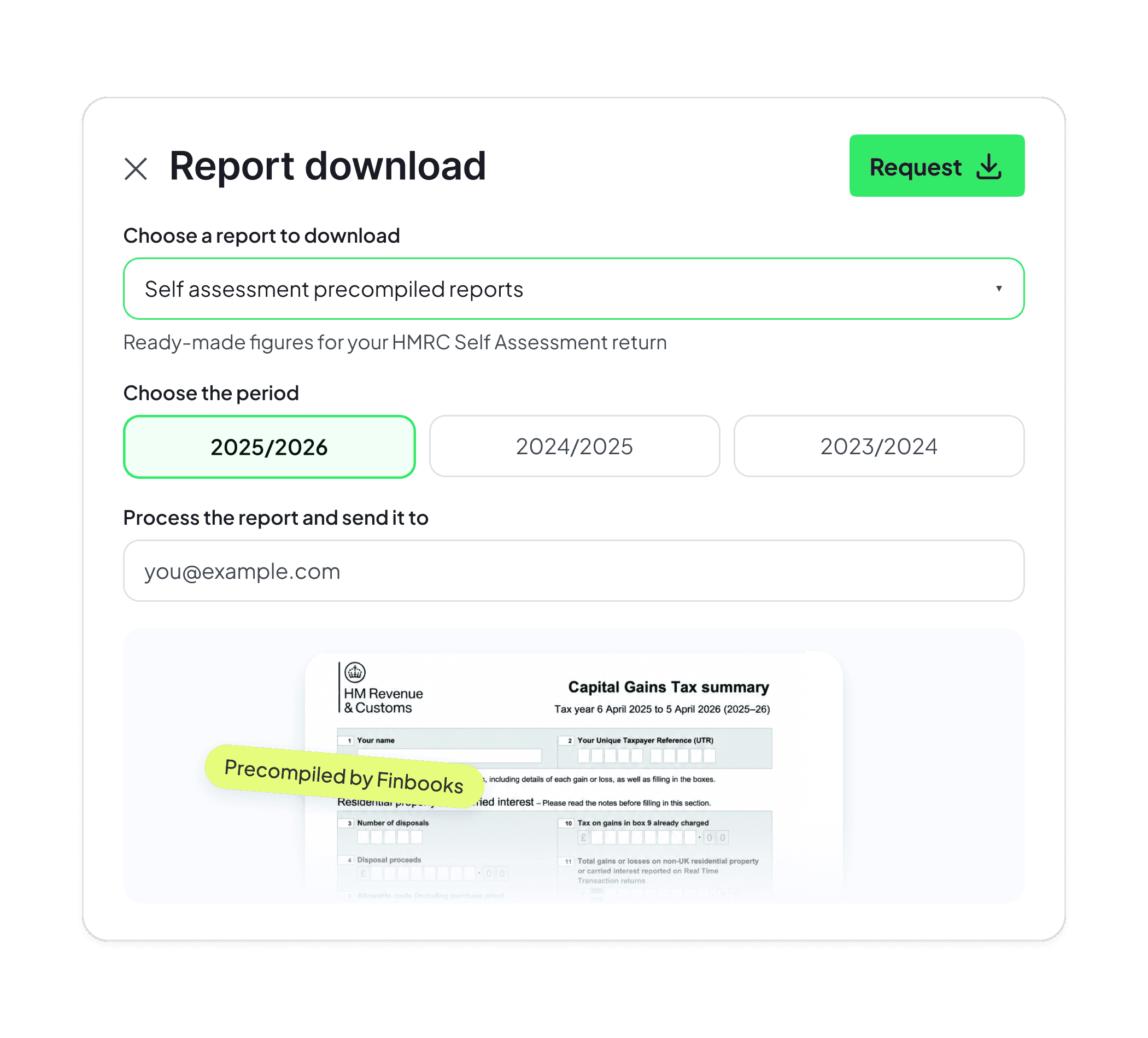
Download pre-filled Self Assessment forms and supporting reports that explain the calculations behind the figures reported.
A plan for every type of investor
Choose the perfect plan for you
Start here
Basic
Crypto tax reports for your SA
39
- Unlimited transactions
- Unlimited connections
- Crypto & traditional finance
- Self Assessment-ready tax reports
Pro
Tax tools and automatic sync
99
- Unlimited transactions
- Unlimited connections
- Crypto & traditional finance
- Self Assessment-ready tax reports
- Tax tools
- Performance charts
- Automatic sync
- Chat support
Human
Tax work handled by our team
999
- Unlimited transactions
- Unlimited connections
- Crypto & traditional finance
- Self Assessment-ready tax reports
- Tax tools
- Performance charts
- Automatic sync
- Chat support
- Dedicated tax specialist
- Fast track support