

Revolut has become one of the most-used apps in the UK for everyday spending, saving and investing. Which is exactly why, at tax time, the same question comes up: what actually needs reporting?
The answer depends on how you use the account. Holding a balance on Revolut is not the same as buying crypto, stocks, ETFs or commodities through the same app, and the most common mistake is treating everything the same way.
This guide covers when Revolut needs reporting to HMRC, what changed with Revolut's UK banking licence, which Self Assessment pages may apply, and what data you need to pull together before filing.
What you need to know for 2025/26
Cash held in a UK current account is not taxable simply because it remains in the account, while investment activity must be considered separately.
Crypto swaps, sales and spending can create capital gains or allowable losses; share and ETF disposals enter the same overall Capital Gains Tax position.
The annual exempt amount is £3,000, and SA108 may still be required when total disposal proceeds exceed £50,000.
The online filing and payment deadline for the 2025/26 tax year is 31 January 2027.
Do you need to report Revolut to HMRC?
You need to report Revolut activity only when, inside the app, you've held or traded products that create a UK tax obligation.
If you've only used Revolut as a current account — getting paid, spending on the card, keeping a balance available — the first thing to check is which Revolut entity holds your money. Since March 2026, most UK current account balances sit with the newly licensed Revolut Bank UK Ltd.
If you've bought, sold or held crypto, stocks, ETFs or commodities through Revolut, the question doesn't stop at your cash balance. You then need to work out your reporting obligations on those holdings: capital gains or losses, any income treatment for rewards, and the figures that go into your Self Assessment.
So the starting split is this: cash account on one side, investments on the other. Next, what actually changed with Revolut's UK banking licence and why it only affects part of your relationship with Revolut.
Revolut Bank UK and FSCS protection: what changes for your cash account
Since obtaining its full UK banking licence in March 2026, Revolut Bank UK Ltd deposits are protected by the FSCS up to £120,000 per person, up from the £85,000 e-money safeguarding limit that applied before.
This protection covers current accounts (including foreign currency sub-accounts), Pockets, joint accounts (each holder covered individually) and Revolut Pro accounts. Account numbers, sort codes and IBANs stayed the same through the migration, so this is a protection change, not a product change.
Don't assume this covers everything: FSCS protection applies to cash held with Revolut Bank UK Ltd only. Crypto, stocks and commodities sit in separate Revolut entities and are explicitly excluded from this cover and, separately, they're not exempt from tax just because they're "in the same app" as your protected cash.
If you've bought, sold or held crypto, stocks, ETFs or commodities through Revolut, cash protection isn't the relevant question any more: reporting is.
Do not assume FSCS protection covers the whole app
FSCS protection applies to cash held with Revolut Bank UK Ltd only. Crypto, stocks and commodities sit in separate Revolut entities and are excluded from this cover; they are not exempt from tax simply because they appear in the same app as your protected cash.
Crypto, stocks, ETFs and commodities: why they stay your responsibility to report
When you invest through a platform offering managed/nominee arrangements with in-house tax handling, the provider often calculates gains and applies reporting on your behalf. Revolut doesn't do this: it gives you access to your transaction data, but working out the tax treatment and filing it is on you.
This applies if you bought, sold or held crypto, stocks, ETFs or commodities during the tax year. Transactions need to be reconstructed, values need to be converted to GBP at the right point in time, and any gains or losses need to go in the correct Self Assessment boxes.
Simply holding assets can matter too, in a more limited way than in some other countries, the UK doesn't have a general wealth-monitoring obligation like some EU markets, but under the incoming Cryptoasset Reporting Framework (CARF), platforms including Revolut began collecting and sharing user transaction data with HMRC from 1 January 2026, regardless of whether you've filed anything yet.
From here it's worth separating Revolut's products one by one: cash account, crypto, stocks, ETFs, commodities and any rewards don't all land in the same place on your return.
What to report for each Revolut product
To report Revolut correctly, you need to separate what you actually used during the tax year. The same app can hold a current account, crypto, financial instruments and various types of income, but they don't all follow the same route on your return.
| Revolut product or activity | What matters for UK tax | Where it is usually reported |
|---|---|---|
| Cash account | Holding cash or moving money between your own accounts is not taxable in itself. Any interest credited must be considered separately. | No entry for the balance itself; taxable interest normally goes in the savings income section of SA100. |
| Crypto | Sales, swaps, spending and other disposals require a capital gain or loss calculation. Staking rewards, referrals and other crypto receipts may instead be taxable as income when received. | Capital gains and losses on SA108; taxable rewards or receipts in the relevant income section of SA100. |
| Stocks and ETFs | Selling an investment can create a capital gain or allowable loss, while dividends are taxed separately as income. | Disposals on SA108; dividends in the dividends section of SA100. |
| Commodity exposure | Selling or exchanging a commodity product may produce a taxable gain or loss. The precise treatment depends on the legal structure of the product Revolut provides. | Commonly SA108 where the result is treated as capital, but the product terms should be checked. |
| Interest | Interest paid on eligible cash balances is savings income, even where it remains inside the Revolut app. | The savings income section of SA100, where a return is required. |
| Cashback and rewards | The treatment depends on why the payment was made. A personal spending rebate is not necessarily taxable, whereas a reward connected with an investment, service or activity may be income. | The relevant SA100 income section where the amount is taxable. |
From this split, the relevant pages are usually SA108 for capital gains and losses, and the dividends and other income sections of SA100, plus supplementary pages only when the type of income requires them.
How to report crypto held on Revolut
Crypto held on Revolut doesn't create a reporting obligation just by sitting in your account, but several events during the year do.
Buying crypto isn't a taxable event, so there's nothing to report at the point of purchase. Selling crypto for GBP is the opposite: it's a disposal, and the resulting gain or loss goes on SA108. Swapping one token for another catches people out because it counts as a disposal and an acquisition at the same time, both sides are taxable, and it goes on SA108 like any other sale. Spending crypto via card works the same way: it's a disposal, valued in GBP on the transaction date, reported on SA108.
Staking rewards and airdrops are treated differently, since they're usually miscellaneous income at fair market value on the day you received them, so they go in the other income section of SA100 rather than with your gains.
Two thresholds then decide whether any of this reaches your return. If your total gains for the year stay below the £3,000 annual exempt amount, no tax is due. But if your total disposal proceeds exceed £50,000, you need to report on SA108 even when you've made no overall gain.
Why a Revolut export isn't Self Assessment-ready on its own?
Revolut's statement shows what happened on Revolut — it doesn't apply HMRC's Section 104 pooling (a weighted-average cost per token type), doesn't apply the same-day and 30-day matching rules, and doesn't know about crypto you hold on other exchanges or wallets. All three affect the actual gain you owe tax on.
How to download your crypto statement
- 1
Open the Revolut app
- 2
Go to Crypto from the bottom menu
- 3
Tap more
- 4
Go to Documents, then Account statement
- 5
Select Excel format
- 6
Choose the period to export
- 7
Tap Generate
Stocks, ETFs and commodities on Revolut
Stocks, ETFs and commodities bought through Revolut aren't treated like crypto for tax purposes, they follow standard capital gains and dividend rules.
Selling shares or ETFs produces a capital gain or loss, with the same £3,000 annual allowance that applies to crypto. Above that allowance, gains are taxed at 18% within the basic-rate band and 24% above it. Either way, the figures go on SA108.
Dividends are taxed separately from capital gains and have their own £500 tax-free allowance. Above it, rates run at 10.75% for basic-rate taxpayers, 35.75% for higher-rate and 39.35% for additional-rate. These go in the dividends section of SA100.
Commodities (gold, for example) are a financial exposure via a derivate contract on Revolut rather than physical bullion you hold directly, they follow capital gains treatment and go on SA108.
Fees and currency conversion don't get reported separately, but they still matter: they affect your allowable cost, and therefore the gain you're taxed on; so be sure to factor them into your SA108 figures.
How to download your TradFi statement
- 1
Open the Revolut app
- 2
Go to Investments from the botton menu
- 3
Tap more
- 4
Go to Documents
- 5
Select Brokerage account statement
- 6
Set the format to CSV
- 7
Select thew correct period and tap Get statement
What data you need to report Revolut
By this point it should be clear why checking your year-end balance in the app isn't enough. You need the documents that let you reconstruct what happened across the tax year, not just where things stand today.
Specifically, you'll want:
your cash account statement, if you need to check balances relevant to any other part of your return;
full crypto history: buys, sells, swaps, transfers, staking rewards, cashback and fees;
your investment account statement, if you used Revolut for stocks, ETFs or other instruments;
commodities statements, if you traded those too;
any income received: dividends, interest, staking rewards or other credits tied to your investments;
transfers between Revolut and other platforms, so you can tell internal moves apart from taxable disposals.
The period you export should cover your full relevant history, not just the current tax year. If you started using Revolut before the 2024/25 tax year, earlier transactions may still matter for working out the allowable cost of assets you sold or still hold.
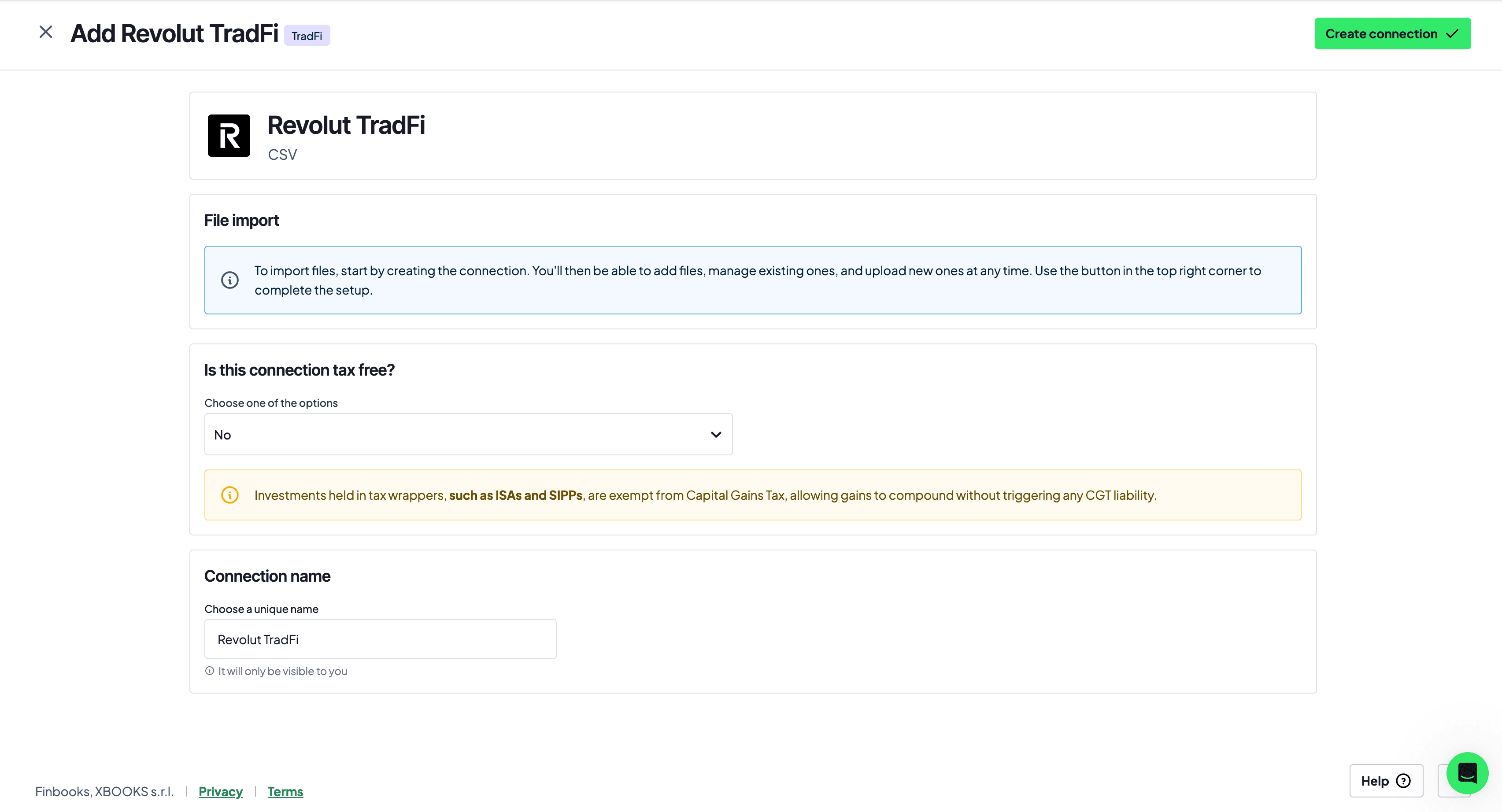
Once you've pulled these together, you can import them into Finbooks and turn your Revolut history into Self Assessment-ready figures.
Revolut and HMRC compliance checks: why the numbers need to line up
When you report Revolut, the figures on your return need to be consistent with your actual account history: balances, transactions, assets held, sales, swaps and income received.
Problems arise when your return tells a different story than the data HMRC can see. For example, if you clearly held crypto assets during the year but report no related disposals, or if you report sales without a reconstructed cost basis, your position becomes harder to defend if it's queried.
How does CARF affect you as an investor?
Under the Cryptoasset Reporting Framework, Revolut and other platforms began collecting user and transaction data from 1 January 2026, with the first reports due to HMRC by 31 May 2027. HMRC has already sent over 100,000 nudge letters about previously unreported crypto gains, visibility into crypto activity is increasing, not decreasing.
This is exactly why a complete history matters. It's not just there to calculate the tax, it's there to show where the figures on your return actually came from.
Report Revolut with Finbooks
Revolut lets you download statements and transaction history, Finbooks turns those files into an organised, defensible tax position.
By importing your Revolut data, you can bring together crypto, stocks, ETFs, commodities, transfers, fees and income in one place. Finbooks classifies the transactions, converts everything to GBP, applies HMRC's pooling and matching rules, and prepares the figures your Self Assessment needs.
That means arriving at filing time with clearer numbers, usable reports, and far less manual CSV work: try Finbooks for for 7 days and get Self Assessment-ready figures for your Revolut account.
Revolut UK tax questions
No. Opening the account is not itself reportable. The answer depends on taxable disposals, income and the wider reasons you may need to file.
A transfer between wallets you beneficially own is not normally a disposal, but it must be reconciled so that the acquisition cost follows the asset.
Not always. If assets sold in 2025/26 were acquired earlier, the older history may still be required to calculate their allowable cost correctly.